Evan Jehu
Applications Architect
Hi, I'm the founder of Codepit Inc., a software architect and full stack developer with a passion for getting things done. I love process where necessary and automation where possible. I believe software should be molded to meet ever evolving requirements in a smooth, frictionless stream of delivered code. Please, come in, take a look at some of my work or drop me a line.

© 2020 Codepit Inc. All rights reserved.

Work
A private social networking and document storage platform designed to secure your personal data while still providing a space for sharing and collaboration.
Argive
Designed and developed every aspect of this custom platform, including a scalable calculation engine. Argive was built for an NYC based hedge fund to analyze large medical data sets received weekly, monthly and quarterly to better project pharmaceutical company revenues.
Lusight Research
As Applications Architect I worked with a team of 20 on this large emerging markets "first wave" fintech application and supporting projects. Lusight was a highly innovative, automated, interactive, research analysis and financial report generation platform.
Quick Tabs (on GitHub)
An open source keyboard centric most recently used (MRU) ordered tab list plugin with search and switch functionality inspired by IntelliJ IDEA with over 50,000 active users.
About
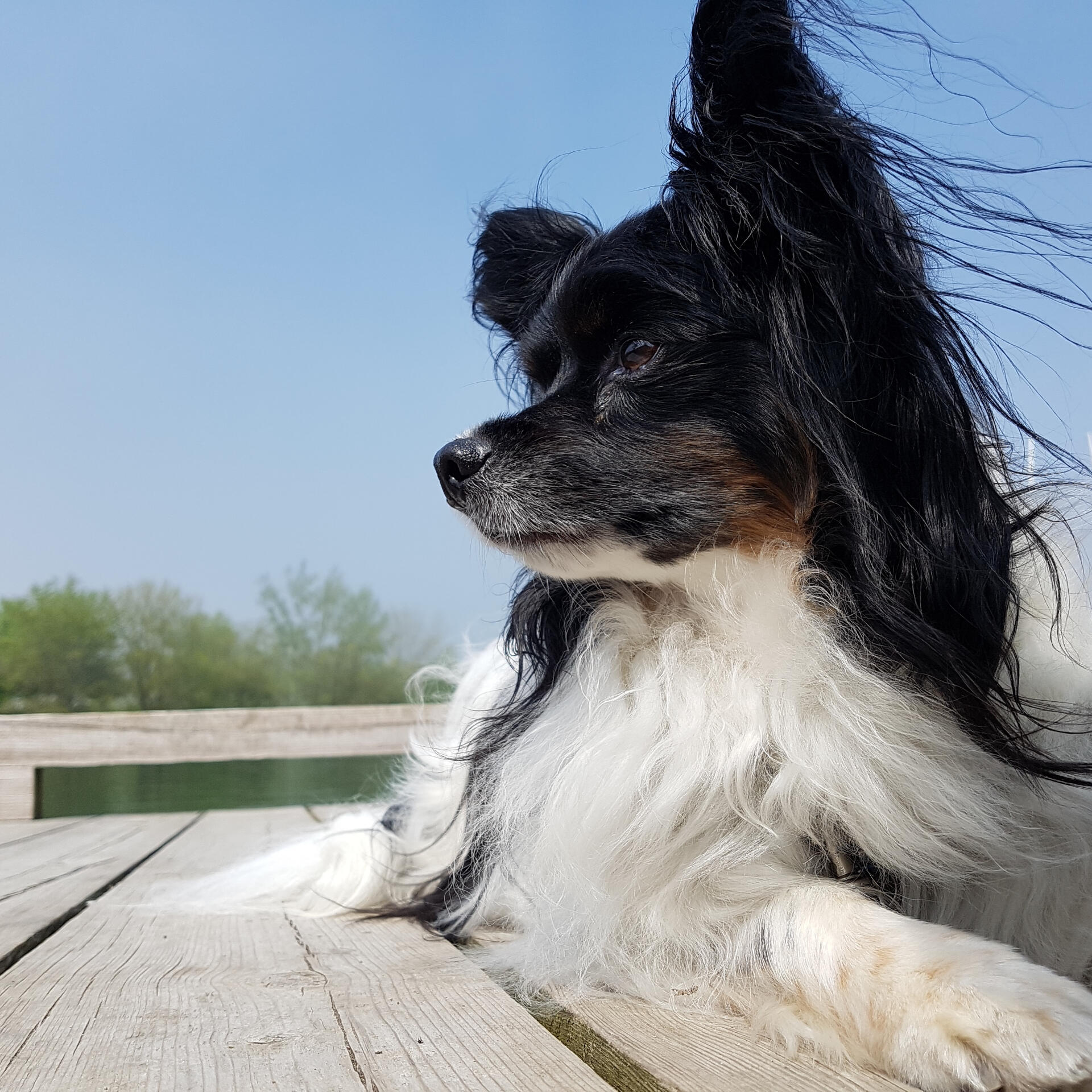
I have been writing software professionally for over 20 years, driven by a childhood fascination with computers and programming, I am "living the dream" as I get to work on amazing projects solving real world problems for real people.I am assisted daily by our Papillon Angus, a joyful teacher who reminds me constantly of the important things in life.When not coding I love Bullet Journaling, my Hot Yoga practice and strive to meditate (almost) daily. I also enjoy studying Buddhist and Stoic philosophy.
"Let go, or be dragged" - Zen Proverb
Contact
Feel like getting in touch? Please drop me a line using the form below:
Thank you
...for dropping me a line, I will get back to you as soon as possible.
Have a fantastic day :D